Need Video Tours for Rental Properties? Start Here
Video has become one of the most powerful tools for marketing rental properties. Prospective tenants increasingly expect to view properties online before scheduling in-person visits, making video content essential for landlords and property managers who want to stay competitive. A well-produced video tour allows potential renters to experience a property remotely, helping them decide whether it meets their needs while reducing unnecessary showings for landlords.
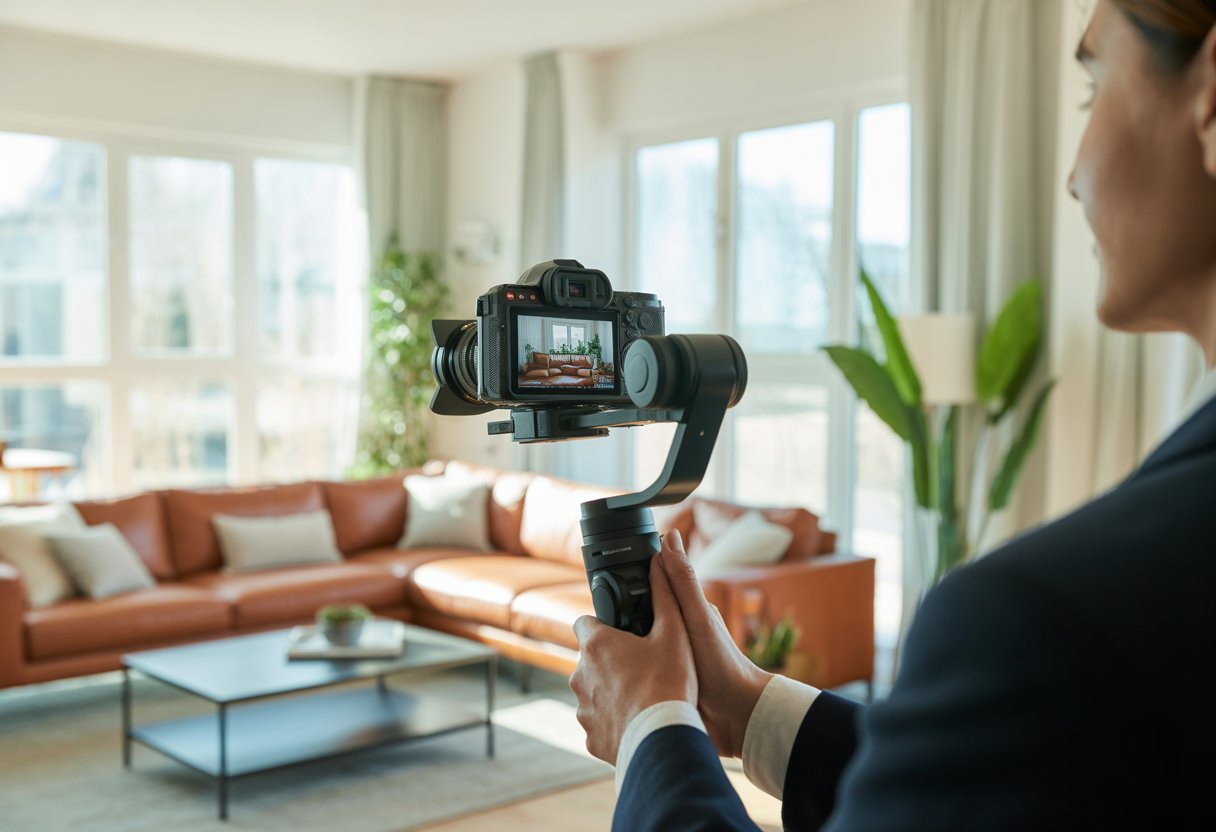
Creating engaging video tours requires understanding both technical basics and strategic presentation. The process involves more than simply recording footage of empty rooms. Effective rental property videos showcase the space’s flow, highlight key features, and give viewers an accurate sense of what living there would be like.
Property owners who invest time in learning video production techniques for rentals often see faster lease times and higher-quality tenant inquiries. Video content can be shared across multiple platforms, from listing websites to social media channels, maximizing reach without additional effort. Understanding the fundamentals of filming, editing, and promoting rental videos helps property owners attract the right tenants.
Key Takeaways
- Video tours help tenants evaluate properties remotely and reduce unnecessary in-person showings
- Quality rental videos require proper equipment, lighting, and strategic filming techniques
- Distributing videos across multiple platforms maximizes visibility and attracts qualified renters
Why Video Matters for Rental Properties
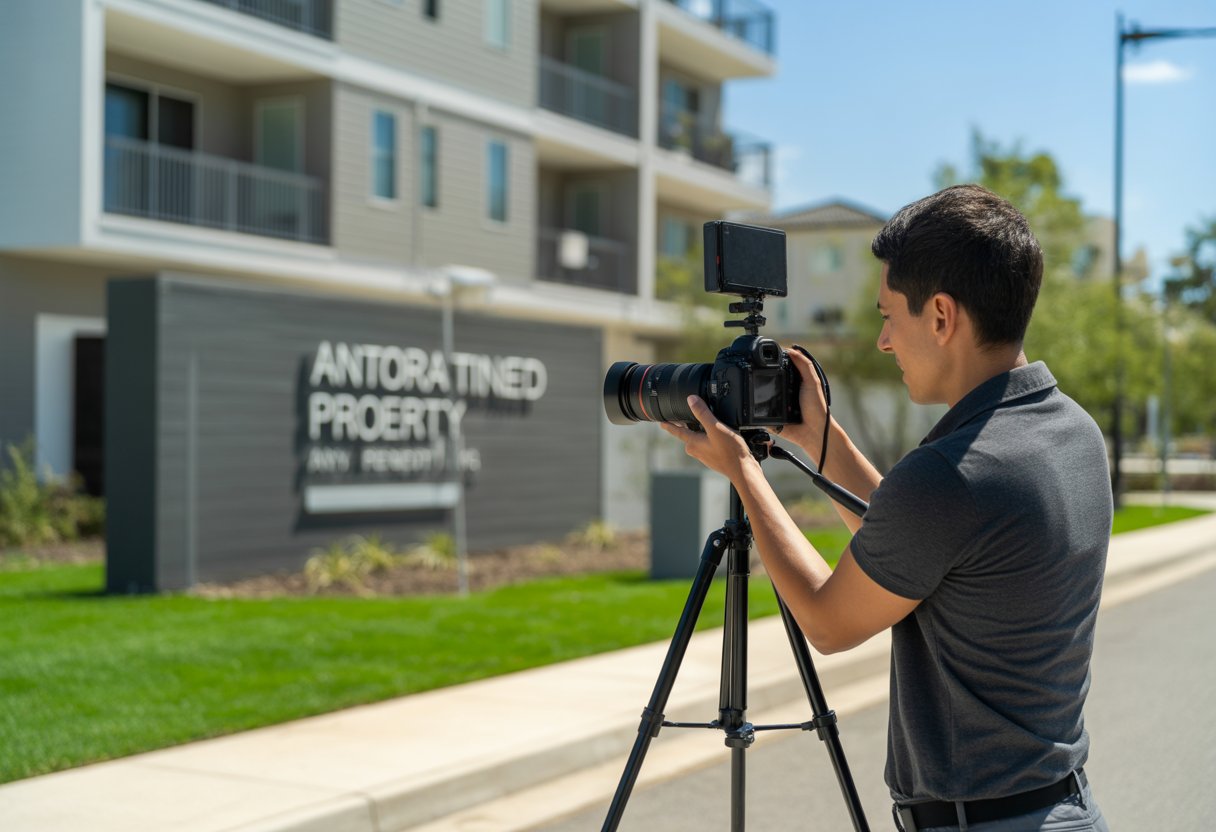
Video tours have transformed how landlords market properties and how tenants search for rentals, offering a practical solution that saves time and expands reach for both parties. Properties with video content attract more qualified prospects and reduce unnecessary showings.
Benefits of Video Tours for Landlords and Tenants
Video tours provide landlords with broader reach by showcasing properties to potential tenants regardless of geographical location. This eliminates distance barriers and expands the pool of qualified applicants who can view the property at their convenience.
For landlords, video tours serve as a pre-screening tool that allows potential tenants to decide if they want to pursue the property further. This streamlines the rental process by reducing the number of in-person showings with uninterested parties. Landlords save significant time by avoiding appointments with prospects who would have declined after seeing the space in person.
Tenants benefit from the ability to explore properties on their own schedule without coordinating showings. They can review the video multiple times, share it with roommates or family members, and make better decisions before committing to an in-person visit. This is particularly valuable for long-distance renters who cannot easily visit multiple properties.
Impact on Rental Listings and Occupancy Rates
Properties with video tours stand out in crowded online rental markets where hundreds of listings compete for attention. Video content creates higher engagement levels compared to static photos, keeping prospective tenants on the listing longer and increasing their emotional connection to the space.
The immersive nature of video tours allows prospects to visualize themselves living in the property before visiting in person. This visualization leads to more serious inquiries from genuinely interested applicants. Landlords receive fewer time-wasting calls and more qualified leads who have already confirmed their interest through the video.
Vacancy periods typically decrease when properties include video tours because the marketing materials work harder to attract the right tenants quickly. The enhanced presentation format showcases the property’s unique features and ambiance more effectively than text descriptions alone.
Comparing Video to Traditional Property Marketing
Traditional property marketing relies on still photographs and written descriptions, which often fail to capture the flow and spatial relationships between rooms. Video tours provide a dynamic walkthrough that shows how spaces connect and the actual size of rooms, eliminating common misconceptions that lead to wasted showings.
Key differences include:
- Spatial context: Video shows room transitions and layout flow, while photos present isolated views
- Time efficiency: One video replaces multiple in-person showings for unqualified prospects
- Accessibility: Video reaches remote viewers; traditional methods require physical presence
- Engagement: Moving images hold attention longer than static listings
Photos can make small spaces appear larger or hide problematic features through careful angles and cropping. Video tours offer more transparency by presenting a continuous view that prospects find more trustworthy. This honesty builds credibility and attracts tenants who appreciate straightforward communication from landlords.
Types of Videos for Rental Properties
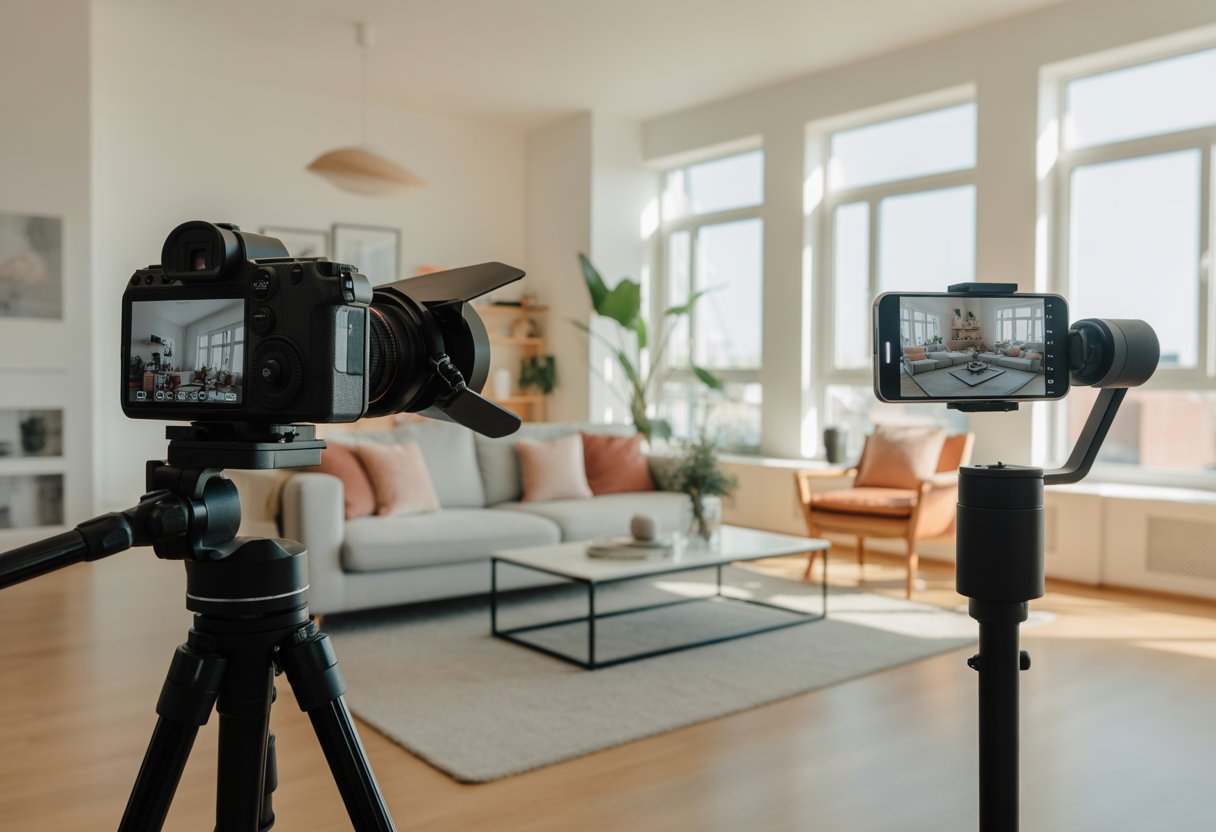
Property owners can choose from several video formats to market their rentals effectively. Each type serves a distinct purpose in showcasing the property’s layout, amenities, and unique selling points to prospective tenants.
Full Property Video Tours
Full property video tours provide comprehensive walkthroughs that guide viewers through every room and space in sequential order. These videos typically last between two to five minutes and follow the natural flow of how someone would experience the property during an in-person showing.
The tour should begin with exterior shots of the building and entrance before moving inside to capture living areas, kitchens, bedrooms, and bathrooms. Property managers filming these tours need to ensure proper lighting in each room and maintain smooth camera movements to avoid disorienting viewers.
Creating professional-looking videos requires filming at 60fps in HD or 4K resolution for the best results. These comprehensive tours work well for serious prospects who want to see the entire property layout before scheduling an in-person visit.
Highlight Reels and Feature Spotlights
Highlight reels condense the property’s best attributes into short 30 to 60-second videos designed for social media platforms. These clips focus on standout features like updated appliances, hardwood floors, walk-in closets, or scenic views rather than showing every room.
Property managers can create multiple versions from the same footage by selecting different features to emphasize. A highlight reel might showcase the modern kitchen with stainless steel appliances, granite countertops, and ample cabinet space in quick succession.
These shorter formats perform better on Instagram, TikTok, and Facebook where users scroll quickly through content. The vertical 9:16 format suits mobile viewing and typically includes upbeat music without voiceovers.
Virtual Walkthroughs
Virtual walkthroughs offer interactive experiences where viewers control their movement through the property using 360-degree cameras or specialized software. Unlike standard videos, these allow prospects to explore spaces at their own pace and focus on areas that interest them most.
Virtual showcases provide an immersive approach that goes beyond static images by letting users navigate rooms independently. This format reduces unnecessary in-person showings by giving remote prospects a realistic sense of the property’s layout and dimensions.
The technology requires specific equipment or software platforms but delivers significant value for properties targeting out-of-state tenants or high-end rentals where detailed exploration matters most.
Producing High-Quality Rental Property Videos
Quality rental property videos require the right equipment, careful planning, proper filming techniques, and thoughtful editing. These elements work together to create professional content that attracts tenants and reduces vacancy times.
Essential Equipment and Tools
A 4K camera body with a 16mm to 35mm lens provides the foundation for professional rental videos. This combination allows for both wide shots that capture entire rooms and narrower angles that highlight specific features. Property managers can also use smartphones for basic walkthrough videos when listing no-frills properties.
A gimbal stabilizer prevents shaky footage that turns off potential renters. Circular polarizer filters reduce glare from windows and reflective surfaces, while variable ND filters control brightness in rooms with mixed lighting conditions.
For audio, wireless lavalier microphones capture clear narration without background noise. A tripod holds the camera steady for static shots of key features like updated kitchens or renovated bathrooms.
Drone equipment with spare batteries adds aerial footage for properties with attractive exteriors or locations. Memory cards with adequate storage prevent interruptions during filming sessions.
Planning and Scripting Your Video
Successful rental videos follow a three-act structure that guides viewers through the property logically. The first act opens with a clear frontal view of the building and neighborhood context. This establishes location and curb appeal immediately.
The second act covers main living spaces before moving to functional rooms. Kitchens, living areas, and bedrooms receive priority over utility closets or hallways. Properties should be cleaned and staged before filming, as furnished spaces perform better than empty ones.
The final act closes with an exterior shot that reinforces the property’s appeal. Drone footage works well here when available.
Before shooting, landlords should list standout features like high-end appliances, recent renovations, or unique architectural details. These elements deserve extended coverage in the final video. Avoid spending excessive time in hallways or poorly decorated spaces that don’t add value.
Lighting, Framing, and Composition
Natural light creates the most appealing rental videos. Filming during mid-morning or early afternoon when sunlight fills rooms without harsh shadows produces the best results. Opening curtains and turning on all interior lights ensures even illumination throughout the space.
Wide-angle shots showcase room dimensions and layout effectively. Position the camera at chest height to provide a natural perspective that matches how people view spaces in person. Corner shots maximize visible floor space and make rooms appear larger.
Avoid filming directly toward windows, which creates blown-out backgrounds and dark interiors. Instead, position windows to the side or behind the camera when possible.
Clean and decluttered spaces photograph better than cluttered ones. Remove personal items, excess furniture, and distracting elements before filming. Simple staging with neutral furnishings helps potential tenants visualize themselves in the space.
Tips for Editing Property Videos
Adobe Premiere Pro and Final Cut Pro provide advanced editing tools for rental videos. Use these programs for precise cuts, color correction, and audio balancing to produce high-quality content that appeals to prospective tenants.
Cut shaky or redundant footage to maintain a concise, engaging flow. Allocate screen time to each room to showcase the property’s layout without slowing the pace. Aim for videos between 90 seconds and three minutes to retain viewer interest.
Select background music from libraries like AudioJungle to complement the property’s character. Match upbeat tracks to modern apartments and softer acoustic options to traditional homes to reinforce the property’s brand.
Use text overlays to highlight details such as square footage, monthly rent, or unique amenities. Ensure overlays remain minimal and legible to avoid distracting from the visuals.
Export videos in 1080p or 4K resolution to maintain image quality across all devices. High-resolution videos present properties in the best light and support premium positioning.
Promoting Your Rental Property Videos
Distribute videos across multiple platforms to reach qualified renters and track engagement metrics for continuous improvement.
Optimizing Videos for Online Listings
Embed videos directly into rental listings on platforms such as Zillow, Apartments.com, and Trulia to increase exposure. Listings with video content generate significantly more inquiries than those with only photos, which gives a clear advantage in competitive markets.
Incorporate location, property type, and amenities into video titles. For example, use “2BR Apartment with Parking in Downtown Seattle” rather than a generic title. In descriptions, emphasize features like updated appliances, pet policies, or proximity to transit to attract targeted prospects.
Use MP4 files with H.264 encoding to ensure compatibility across listing sites. Keep file sizes under 100MB for faster load times. Create compelling thumbnails to highlight the property’s best features and boost click-through rates.
Add captions or transcripts to improve accessibility and enhance search engine visibility. Use language that mirrors how renters search for properties in specific neighborhoods.
Sharing on Social Media Platforms
Adapt video formats and lengths to each platform’s requirements to maximize reach. Instagram favors vertical 9:16 videos under 60 seconds, while Facebook supports longer square 1:1 videos with detailed captions.
Platform Requirements:
| Platform | Optimal Length | Format | Best Practices |
|---|---|---|---|
| 30-60 seconds | 9:16 vertical | Eye-catching first frame | |
| 2-3 minutes | 1:1 square | Detailed captions | |
| TikTok | 15-60 seconds | 9:16 vertical | Trending audio/hashtags |
| YouTube | 90-180 seconds | 16:9 horizontal | Keyword-rich titles |
Post during peak engagement hours, typically weekday evenings between 6-9 PM, to capture active renters. Use location-based hashtags such as #SeattleApartments or #DenverRentals to target local audiences.
Leverage paid advertising on Facebook and Instagram to reach specific demographics by age, income, and geographic radius, expanding exposure beyond organic reach.
Measuring Video Performance and Engagement
Tracking specific metrics reveals which videos generate qualified leads and guide content strategies. View completion rates indicate whether videos maintain audience attention, with successful campaigns achieving 60% completion rates or higher.
Essential Metrics to Monitor:
- View count: Total video plays across all platforms
- Engagement rate: Likes, comments, shares relative to views
- Click-through rate: Percentage clicking through to full listings
- Conversion rate: Inquiries or applications generated per video view
- Average watch time: How long viewers stay engaged
Google Analytics tracks traffic from video links to rental websites and shows which platforms drive the most qualified visitors. Property managers should set up UTM parameters in video links to identify traffic sources accurately.
Platform-specific analytics tools provide detailed demographic data about viewers. Facebook Insights shows age ranges, locations, and peak viewing times. YouTube Analytics reveals search terms that lead viewers to the content. Use this information to refine targeting and create content for specific renter demographics.
Run A/B tests on different video approaches to identify optimal strategies. Test variables such as video length, opening shots, or call-to-action placement to determine what resonates with target audiences in specific markets.